

Elevare Refine identifies single-timeframe fair value gaps and marks first tests, rejection candles, and combined test-rejection events, giving discretionary futures traders cleaner execution-timeframe context without overwhelming the chart.
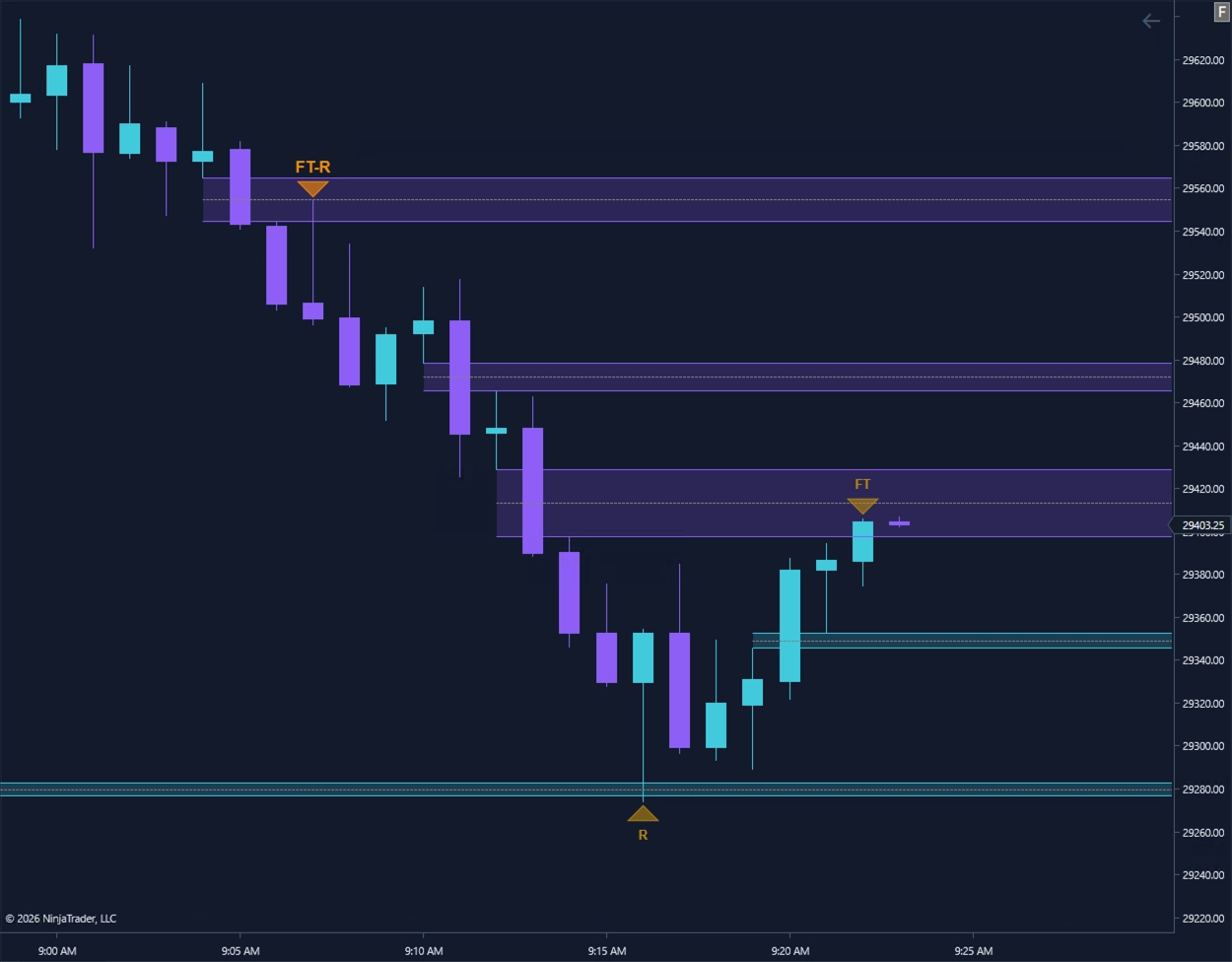
Refine keeps the chart focused by showing where price first tests a fair value gap and where a defined rejection pattern appears around that interaction.
Refine displays bullish and bearish fair value gaps on the execution timeframe with theme-aware zone styling.
First-test markers identify the initial return into a qualifying fair value gap without filling the chart with repeated signals.
Rejection markers highlight defined wick-and-body behavior around the zone, including combined first-test and rejection events.
Refine separates initial zone tests from defined rejection behavior so traders can see what occurred at the fair value gap without treating every interaction as the same event.
First Test — the first time price returns to test a qualifying fair value gap.
Rejection — a qualifying rejection candle forms around the zone.
First Test + Rejection — both conditions occur on the same reaction.
Refine provides visual chart context only. Marker appearance does not automatically submit, recommend, or manage a trade.
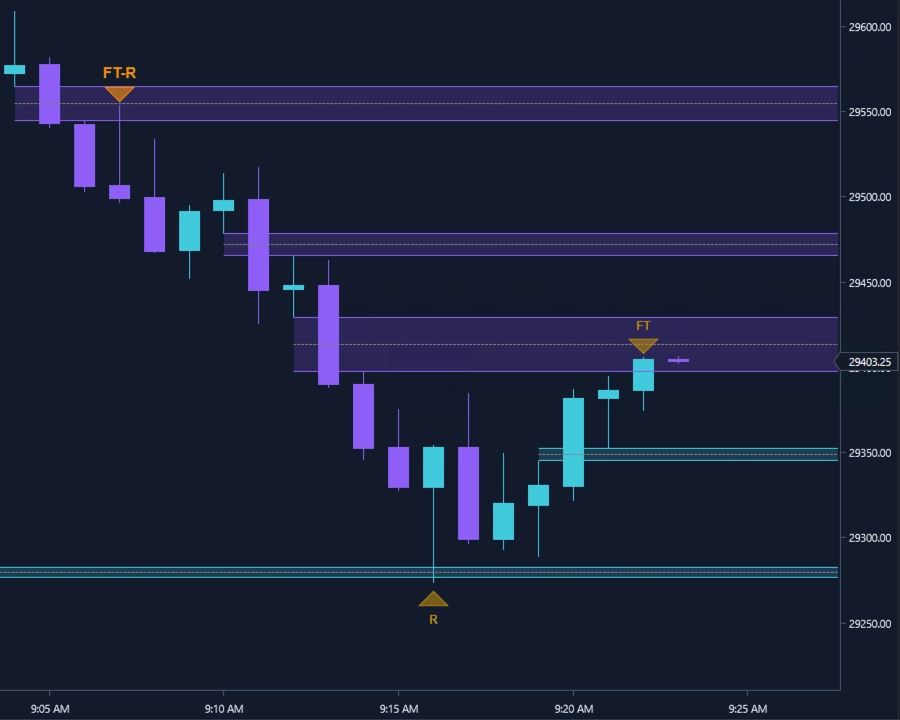
Refine’s zones and markers remain readable across Cyan Horizon, Traditional, and Modern Classic presets in both dark and light chart environments.
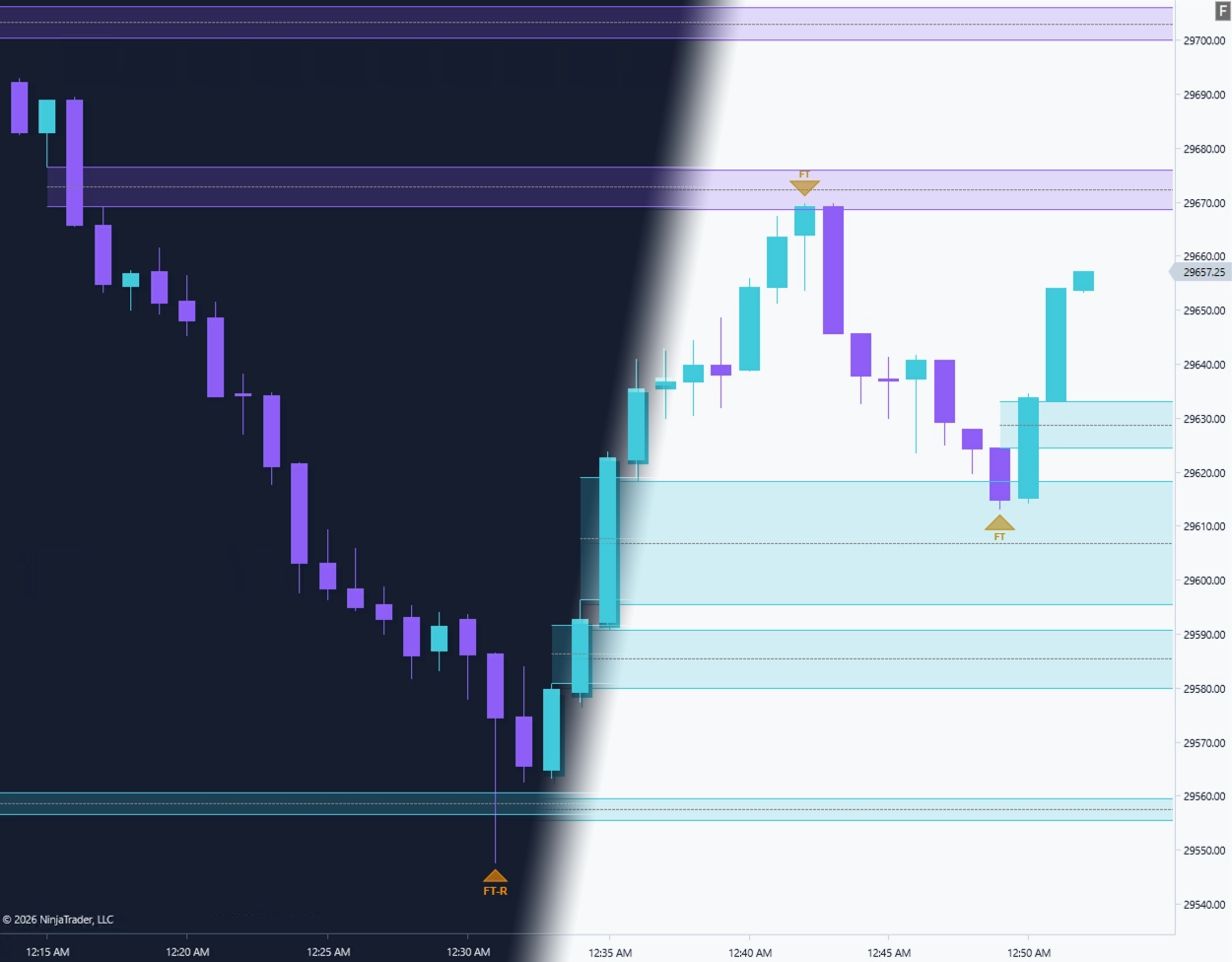
The signature Elevare chart style, shown transitioning between dark and light environments.
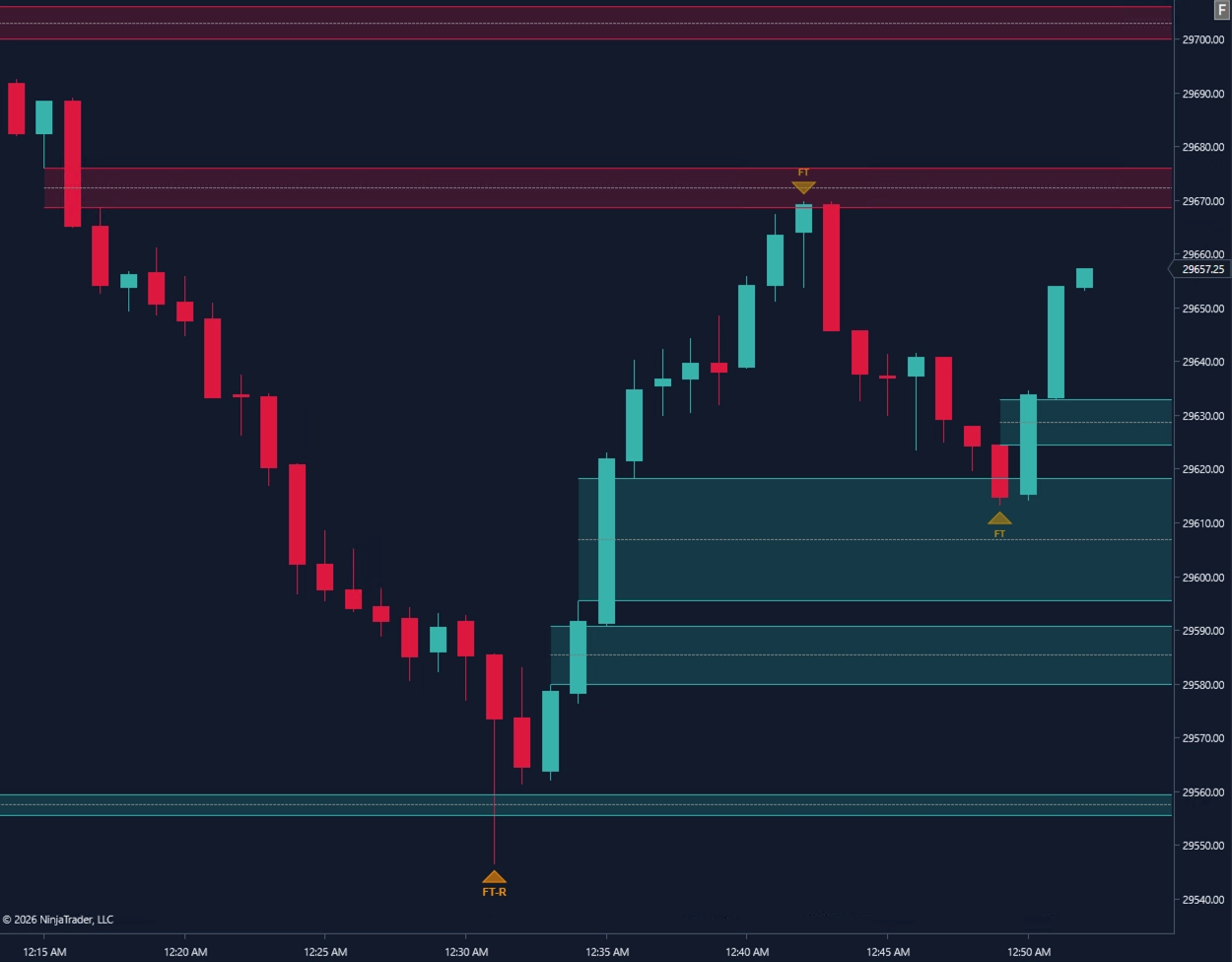
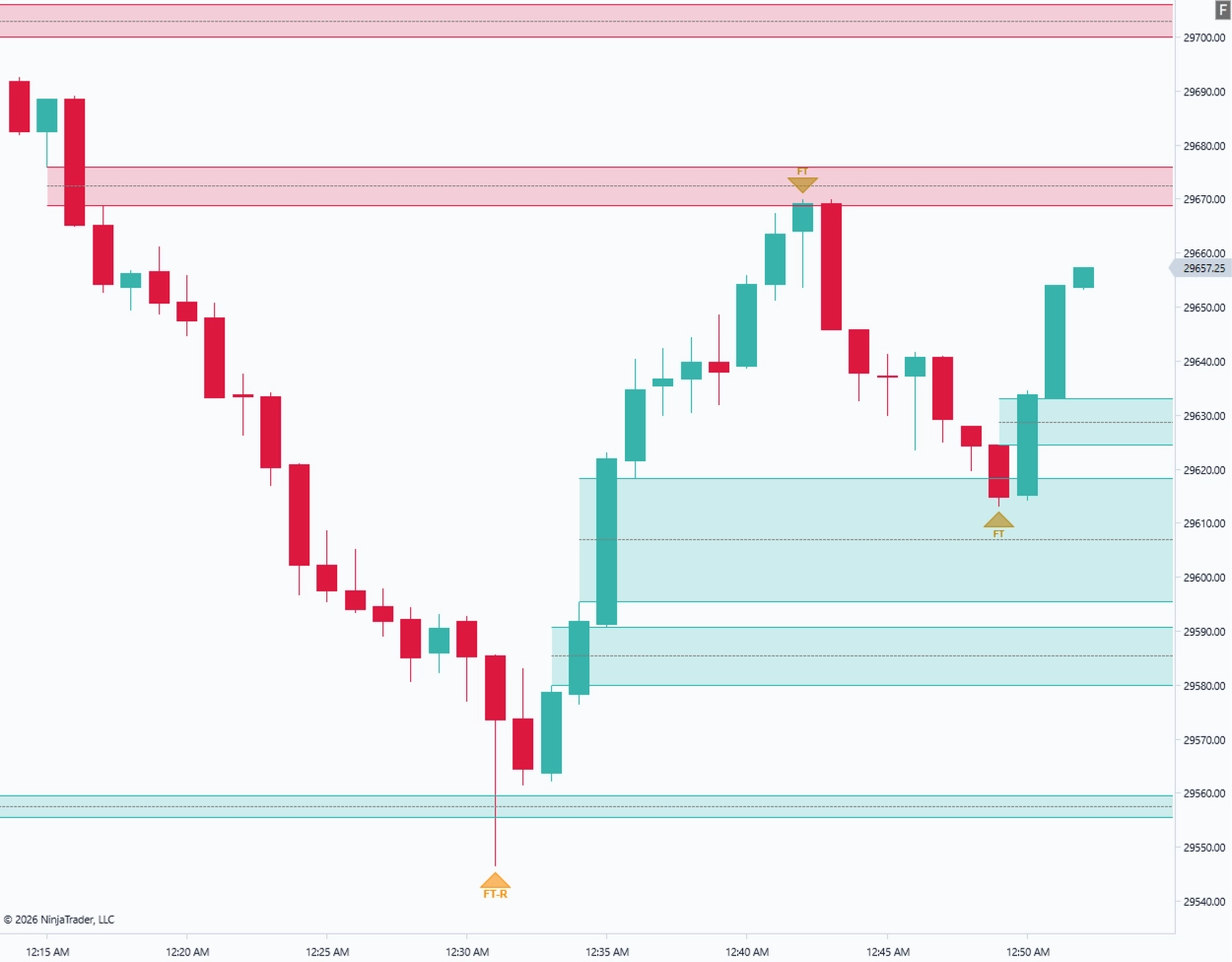
Familiar bull and bear market colors in coordinated dark and light chart environments.
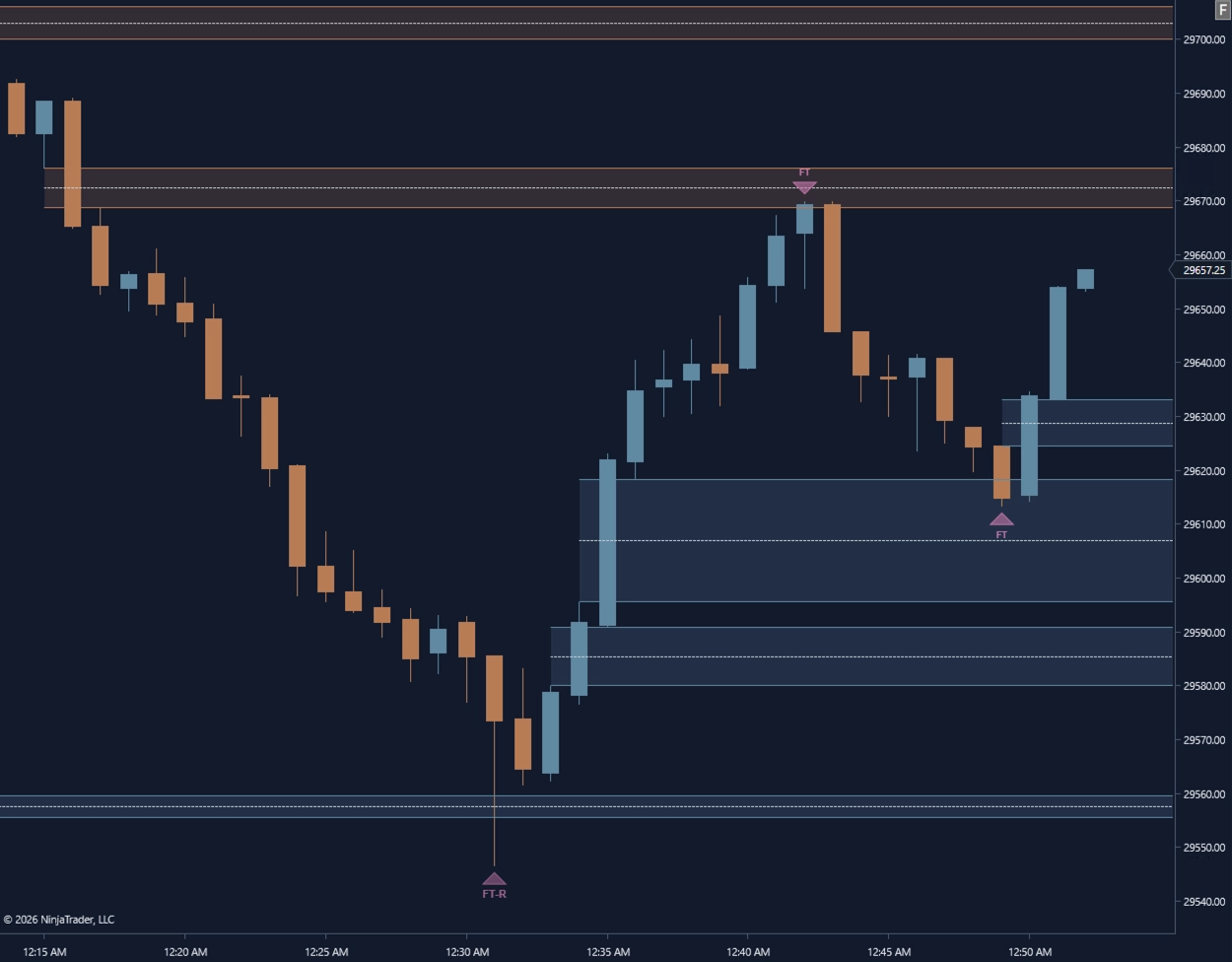
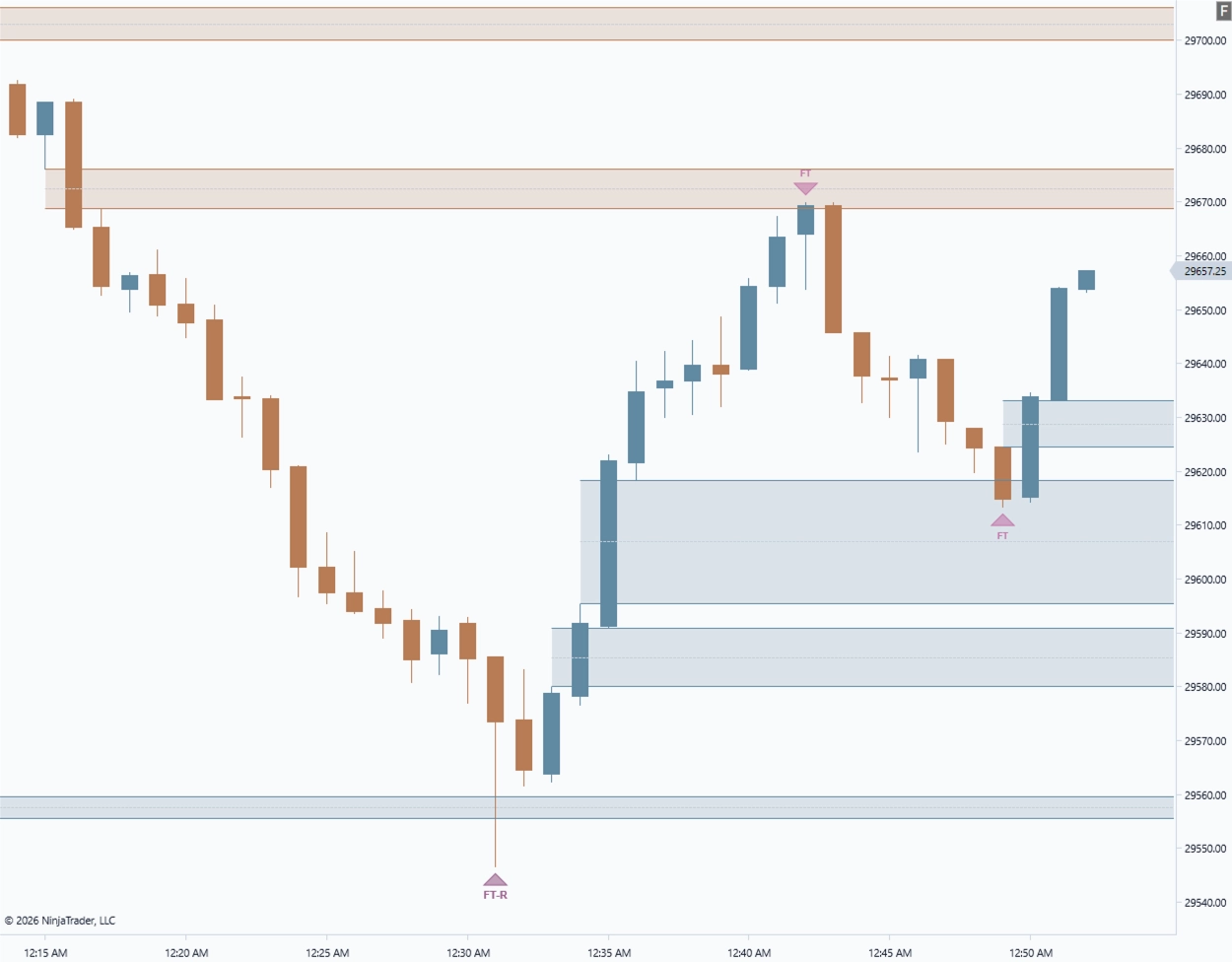
Muted steel-blue and copper visuals designed for a calmer, lower-saturation chart workspace.
Chart templates are optional. Refine can be used with your own NinjaTrader chart styling.
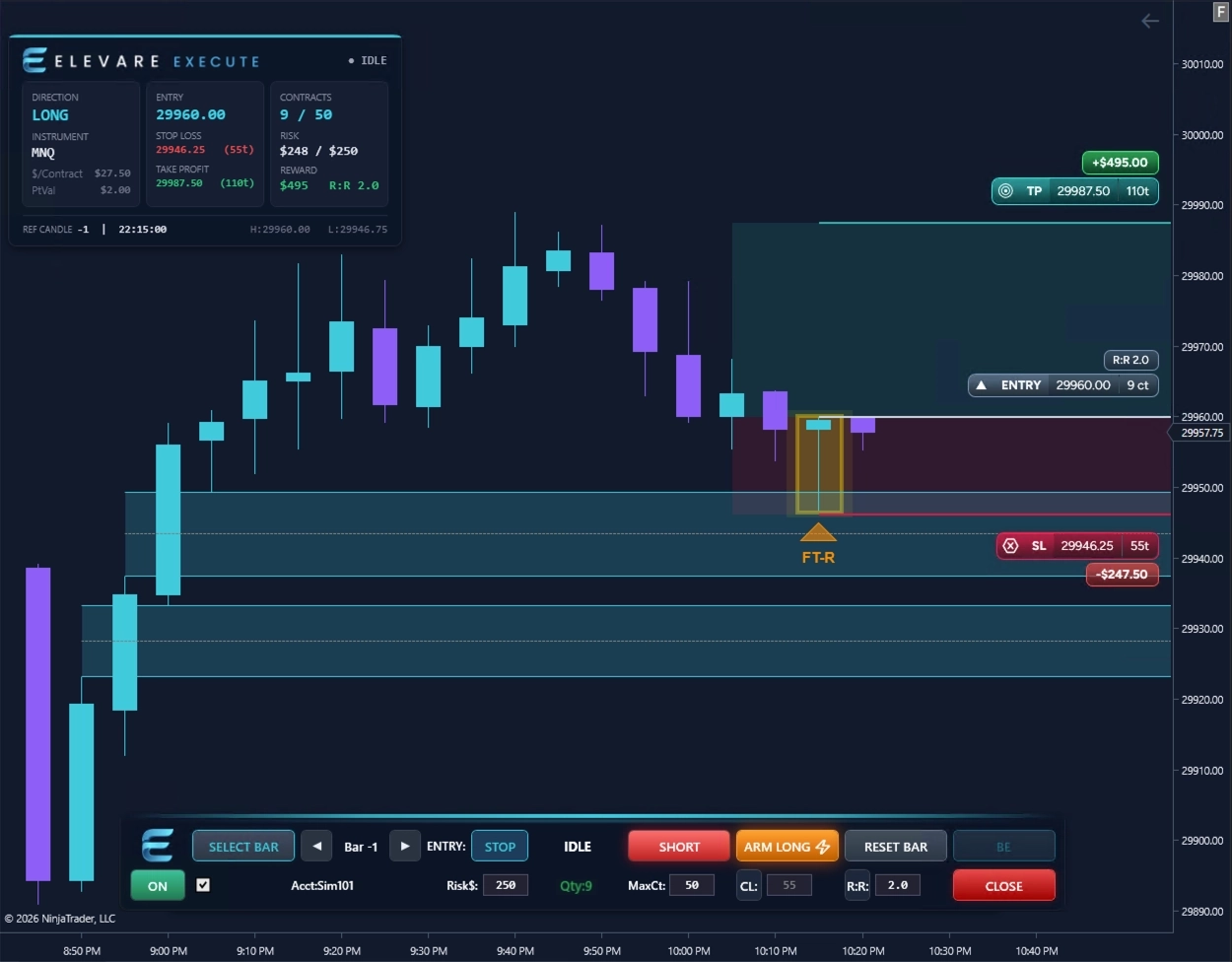
View Free Chart TemplatesRefine highlights zone tests and rejection behavior around fair value gaps, while Execute provides a structured way to plan risk, entry, stop, and target around the setup you choose.
Refine provides visual context around the fair value gap reaction.
The trader chooses the reference candle and desired trade structure.
Execute previews position size, entry, stop, target, risk, and reward before the order is armed.
Refine and Execute are separate tools. Refine does not automatically recommend, submit, or transfer a trade setup into Execute.
The first Elevare beta will be SIM-only and focused on marker clarity, zone visibility, theme readability, product fit, and NinjaTrader 8 workflow feedback.